Estrobo works without an account, backend, ads, analytics, or telemetry.
01No internet
02No account
03No ads
04No telemetry
Preferences, presets, and recovery data remain in this Mac’s sandbox.
Visual representation · the app’s workflow remains on the Mac
How it works
Bluetooth to the trigger. Radio to your flashes.
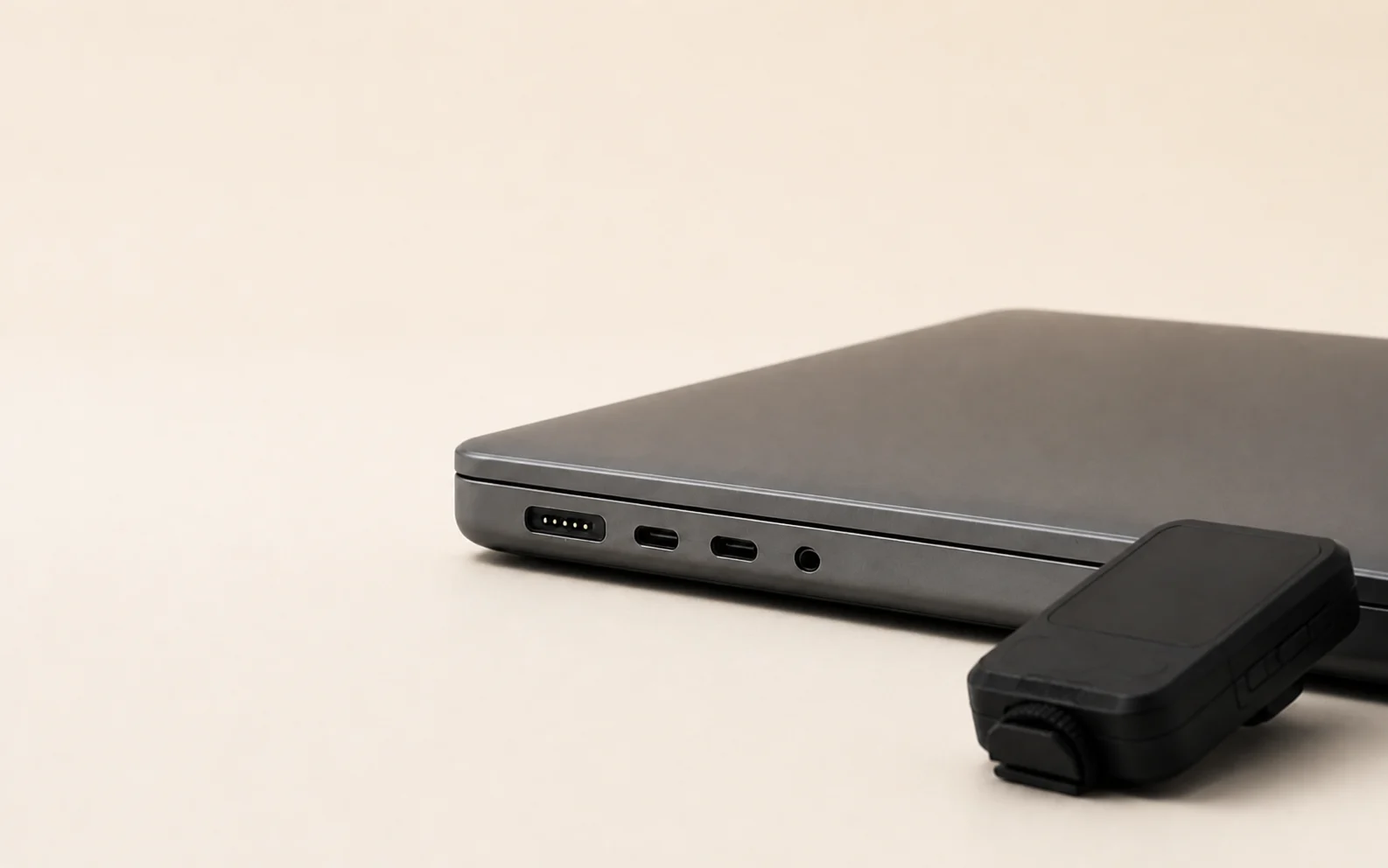
Estrobo does not connect directly to the flashes.
01
MacEstrobo prepares the local state.
Bluetooth
02
TriggerAuthenticates and receives the settings.
Radio
03
FlashesThe trigger applies the scene to each group.
Built-in Bluetooth is required, but by itself it does not guarantee compatibility.
One state, three views
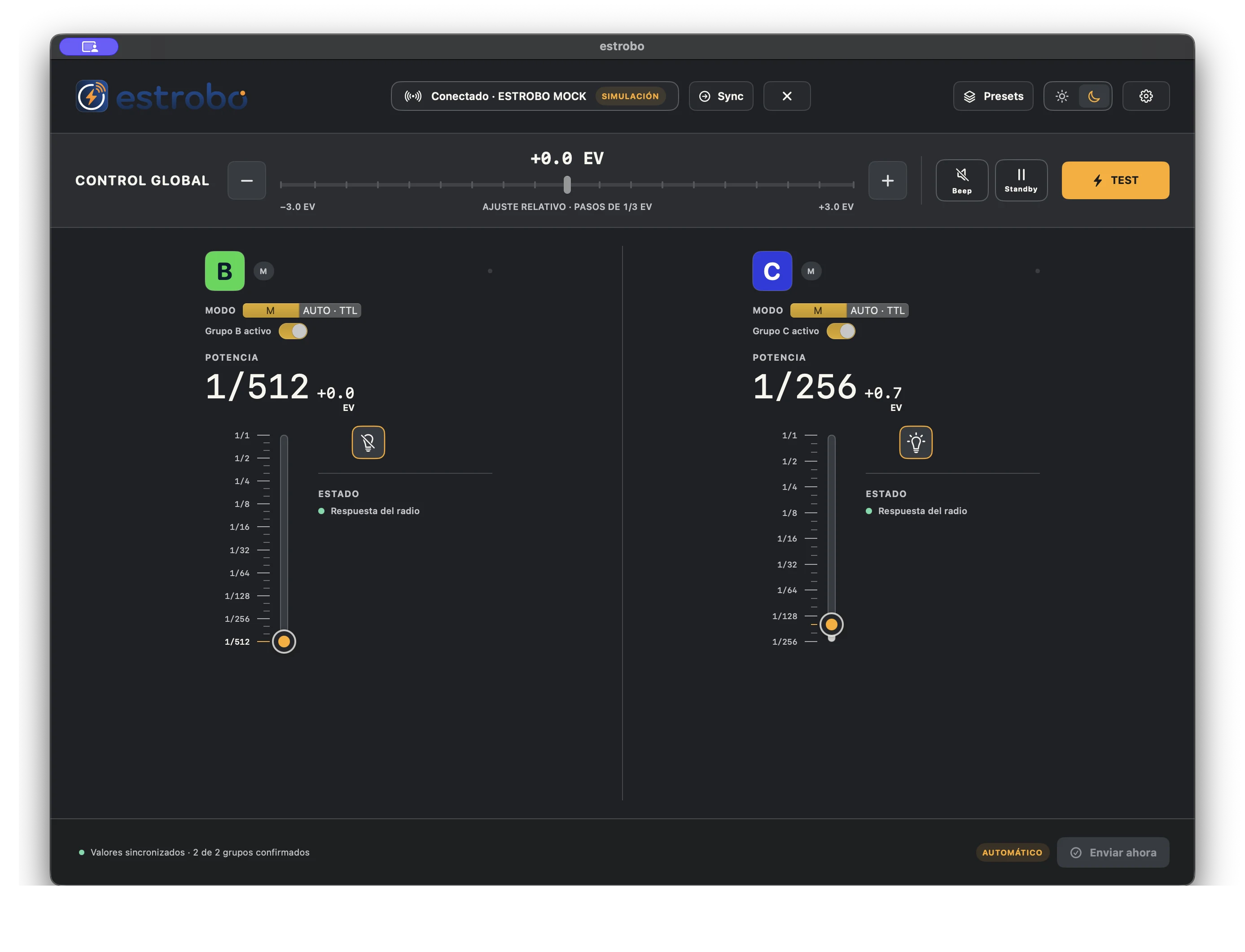
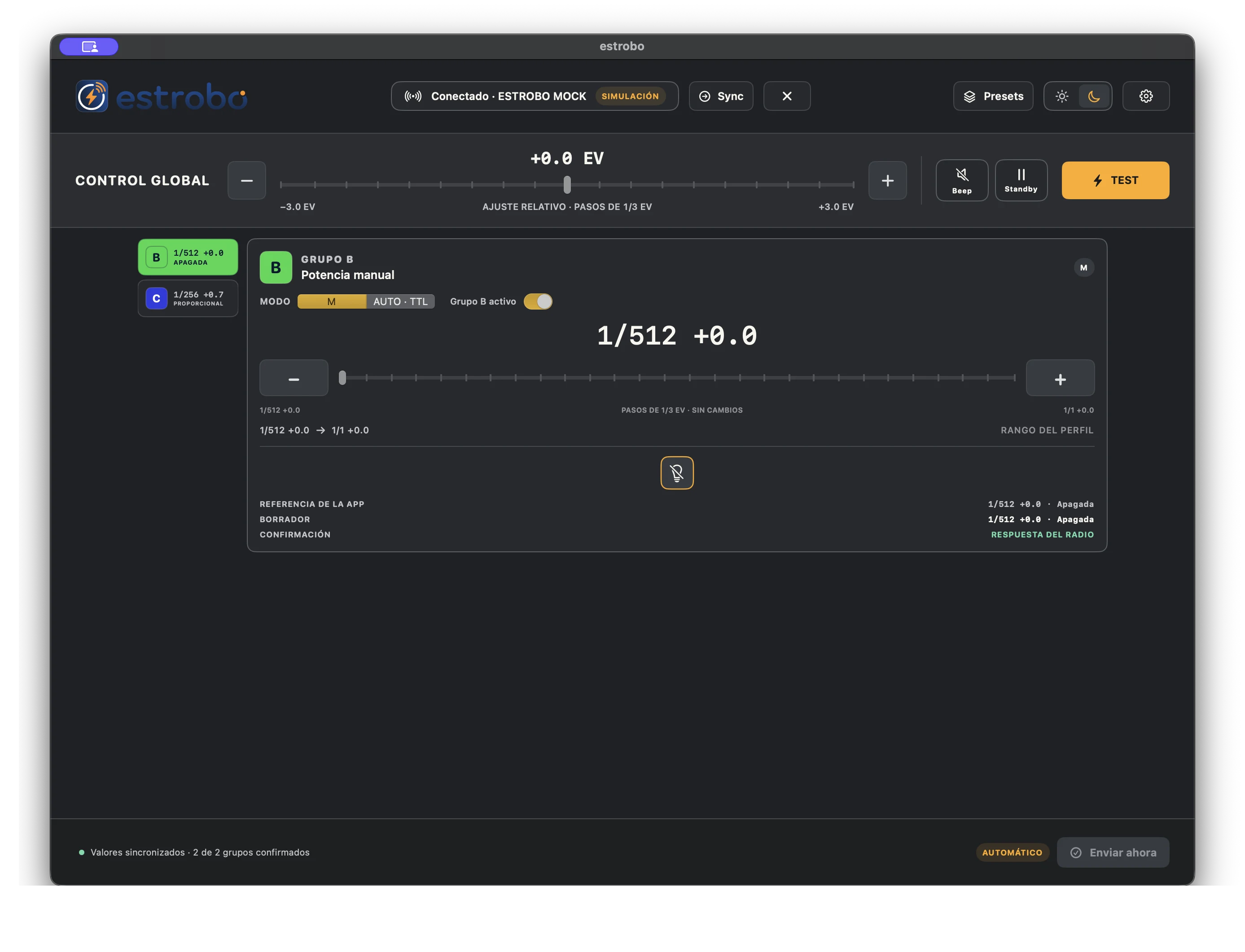
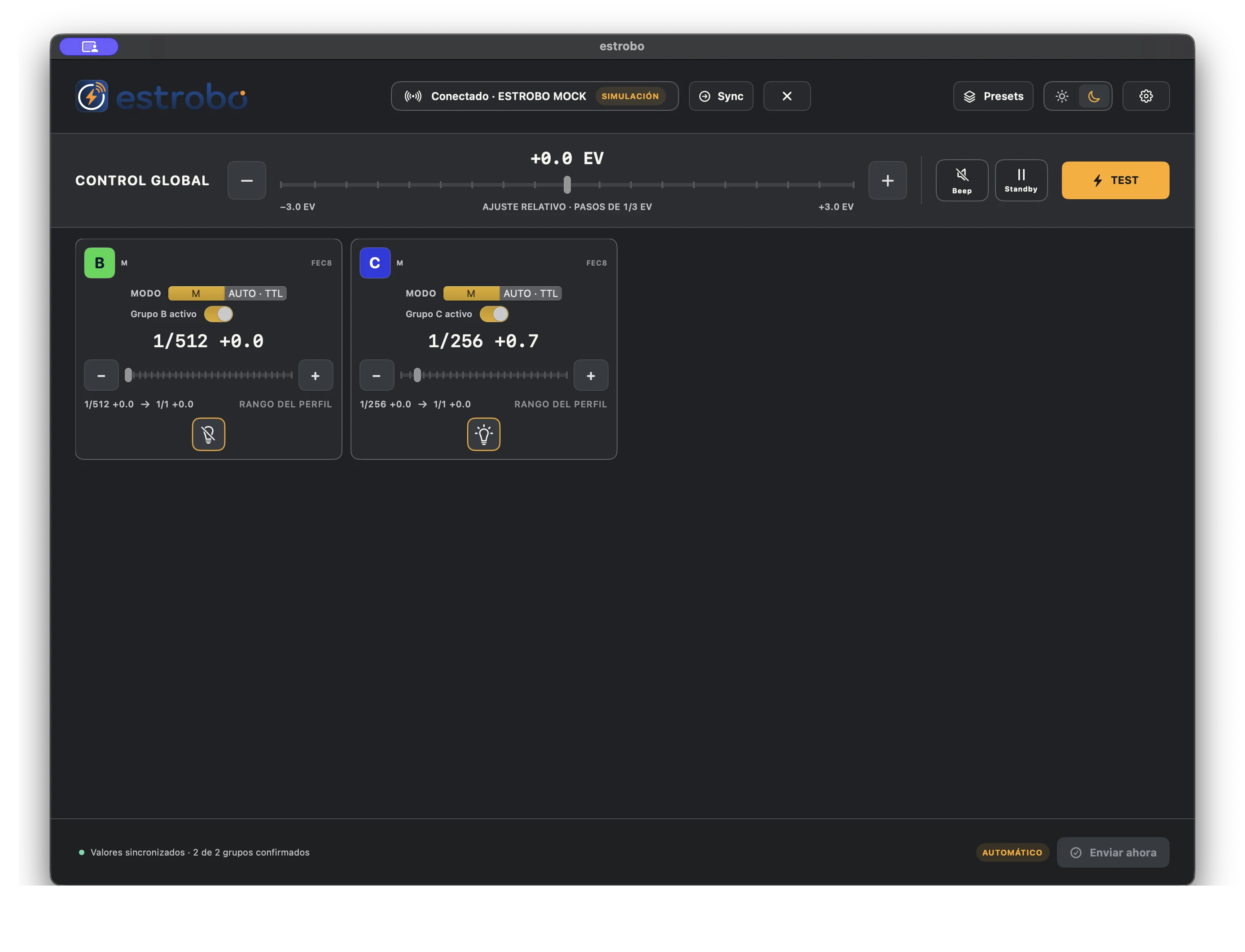
Adjust from the view that works for you.
Channels for comparison. Inspector for fine-tuning. Matrix for the big picture.
Channels · Actual public beta screenshot · simulated transportInspector · Actual public beta screenshot · simulated transportMatrix · Actual public beta screenshot · simulated transport
Ready in three steps
Set up. Connect. Adjust.
01
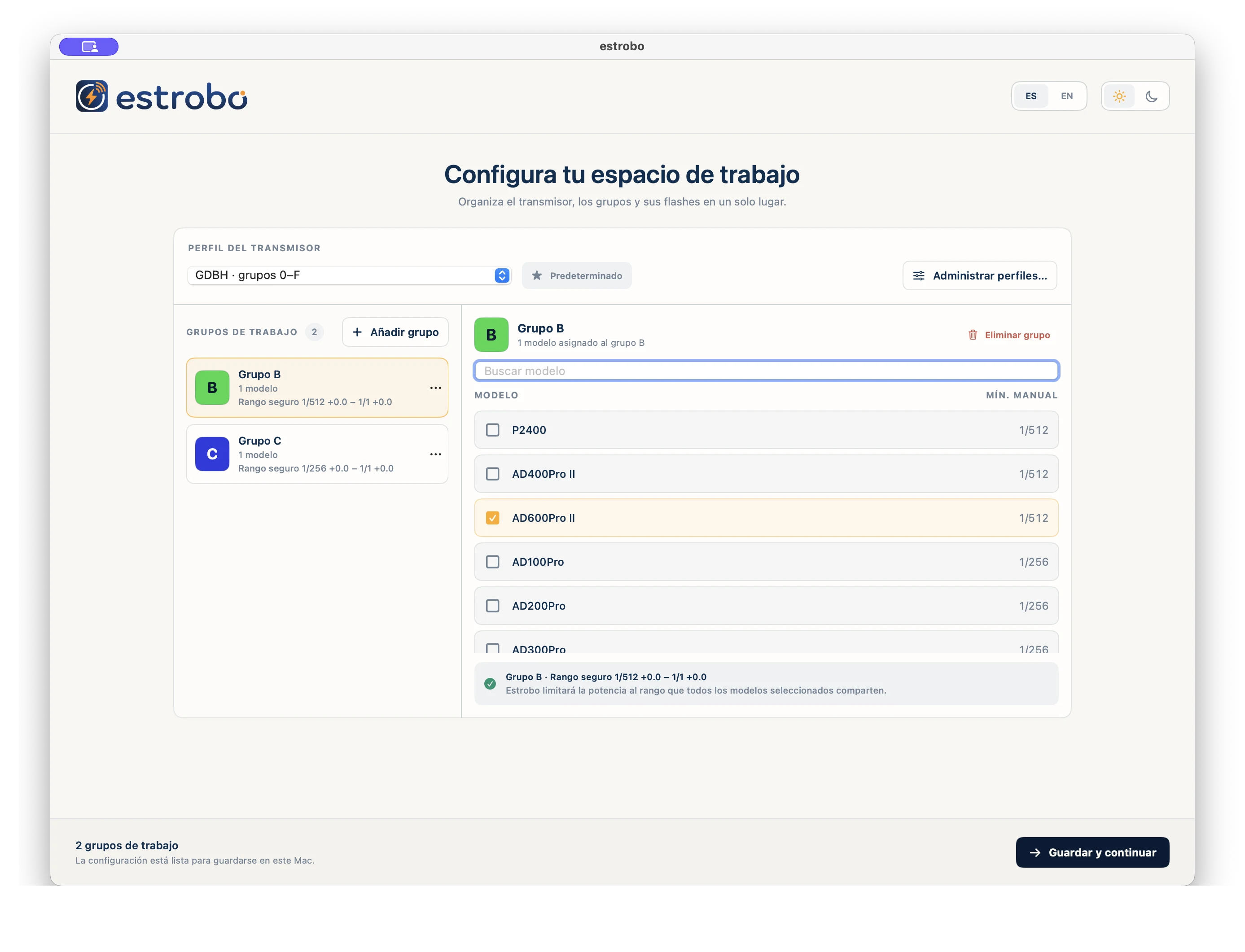
Choose your workspace
Add the groups you use and assign at least one flash model.
02
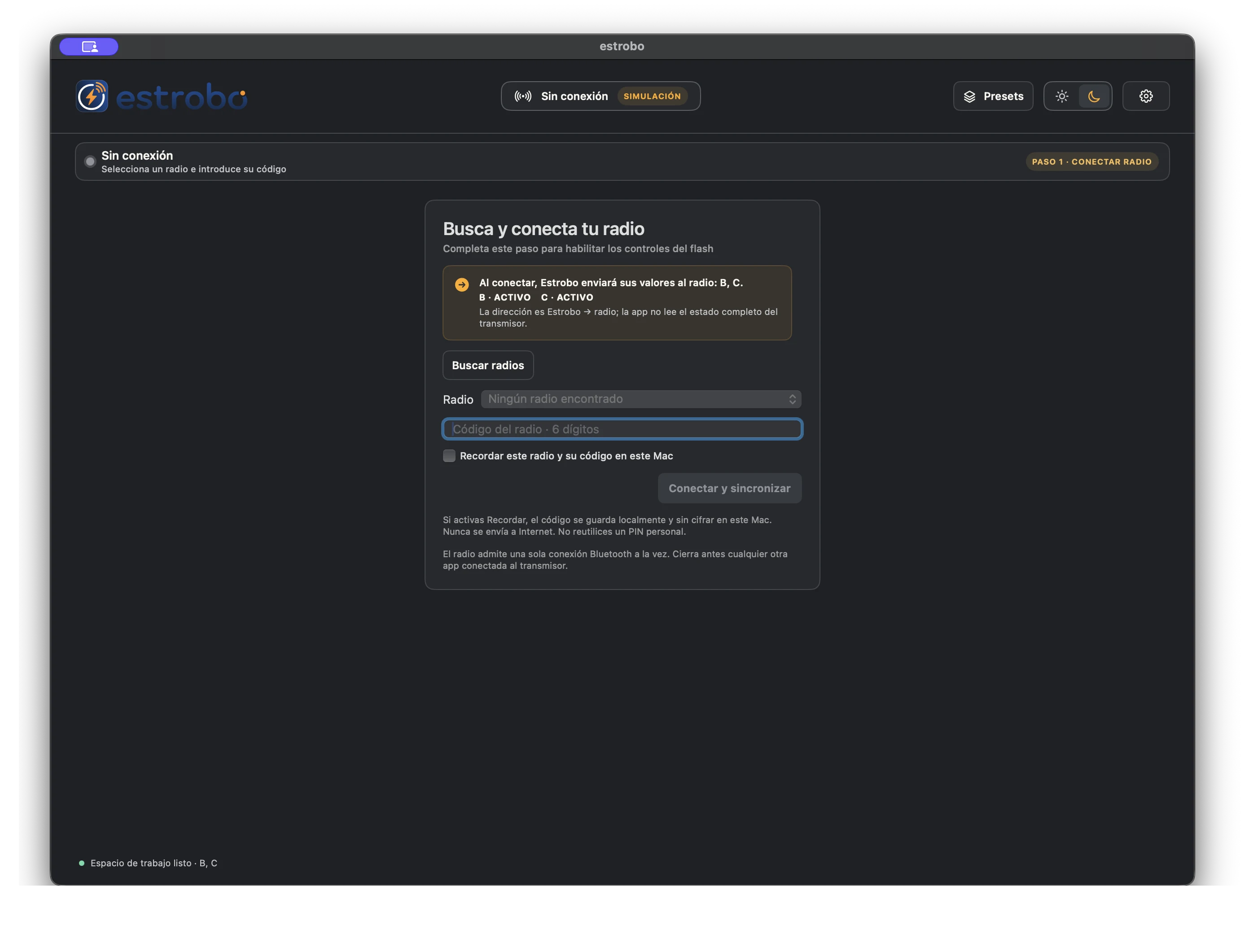
Find the trigger
Close other apps, find the trigger, and enter its six-digit code.
03
Work in sync
Adjust power, mode, and modeling lights from your Mac.
Sync applies Estrobo’s local state; it does not import the trigger’s state.